
Daft Punk

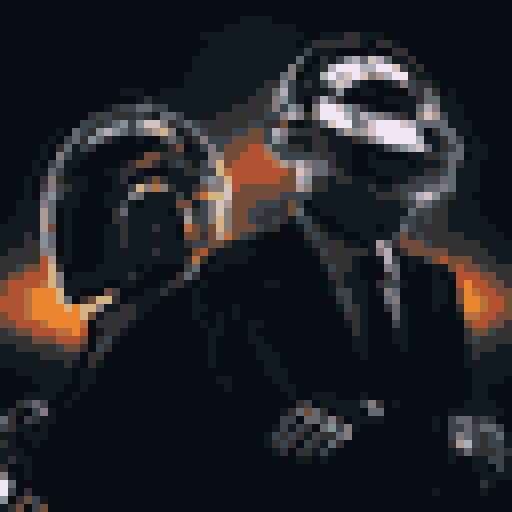
Turn the reflections and helmet silhouettes into a 64 × 64 grid with an adaptive palette.
Palette: adaptive · Dithering: none · PNG: 8×
User-supplied reference image · Source rights unspecified
Cropped, resized and converted to pixel art.
PIXELART CLOUD / FREE CREATIVE TOOL
A little less resolution. A lot more character. Turn your image into a crisp pixel grid, then take it anywhere.
Opening image…
KEEP CREATING
Download .pxa, then import it in Pixel Art Generator. The free web converter works on its own; plugin features and editions are separate.
Your image and filename are not uploaded. Only basic tool actions are counted. Privacy details
SMALL GRIDS, REAL RESULTS
Recognizable photographs and artwork, converted with the same engine used above. Each example includes its settings, source credit, PNG and editable file.
Turn the reflections and helmet silhouettes into a 64 × 64 grid with an adaptive palette.
Palette: adaptive · Dithering: none · PNG: 8×
User-supplied reference image · Source rights unspecified
Cropped, resized and converted to pixel art.
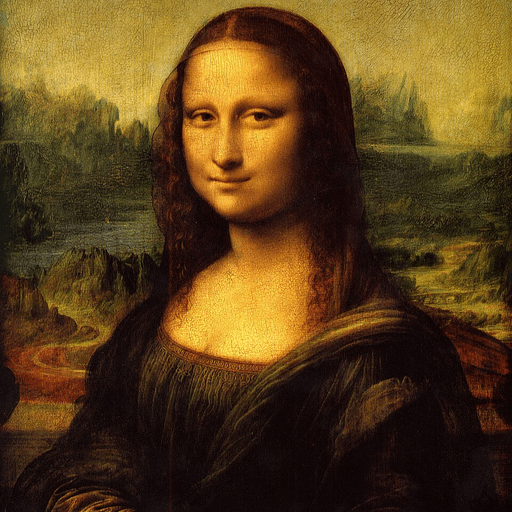
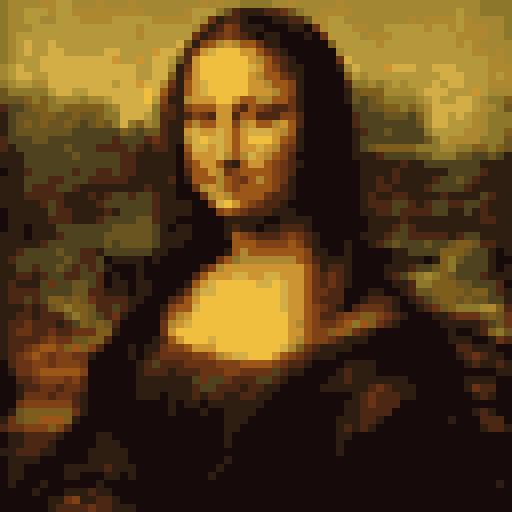
Explore how a familiar face and its subtle colors read on a small pixel grid.
Palette: adaptive · Dithering: none · PNG: 8×
Leonardo da Vinci · reproduction: Musée du Louvre · Public domain
Cropped, resized and converted to pixel art.
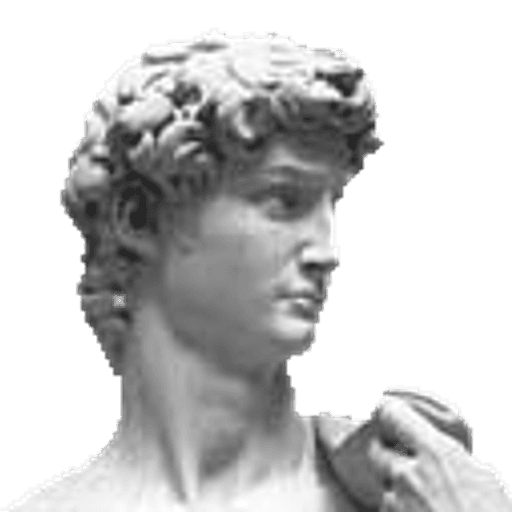
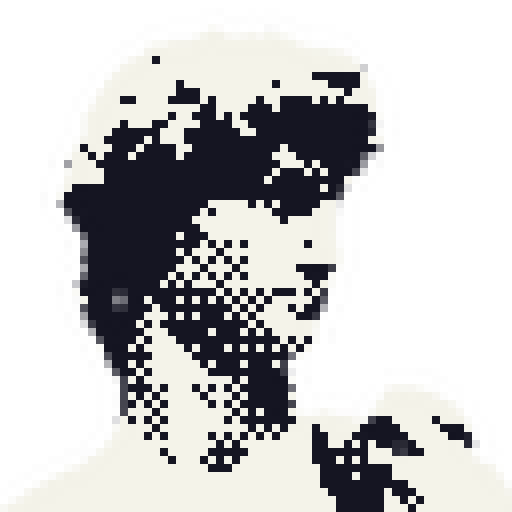
Try ordered black-and-white dithering on the sculpted features of Michelangelo’s David.
Palette: mono · Dithering: bayer · PNG: 8×
Michelangelo · photograph/crop: Halibutt · Public domain
Resized, cropped square and converted to pixel art.
FROM IMAGE TO SOMETHING YOU CAN USE
Use the Pixel Art Generator plugin for a pixel-art workflow inside your design file.
Figma workflow and installation →Bring your editable source into Pixel Art Generator for your next design or composition.
Adobe Express workflow and installation →For a closer look, try the palette exercise, learn how to share editable pixel-art source, or troubleshoot a preview.
Yes. Convert images and download PNG or .pxa files without an account, watermark or subscription. The Figma plugin and Adobe Express add-on are separate products with their own features and editions.
Conversion runs in your browser. Your image, filename and pixel-art source are not uploaded. The site counts basic conversion, download and plugin-link actions without including your artwork. Hosting and other existing site services still receive normal web requests.
Try 32 for a bold, simple result, 64 for a small illustration, or 128 for more detail. The selected value is the longest edge; the other edge keeps the image’s proportions. PNG scale changes the export dimensions without changing the pixel grid.
Dithering arranges palette colors in small patterns to suggest intermediate tones. Bayer creates an ordered texture; Floyd–Steinberg spreads color error into nearby pixels. Choose None for clean blocks. Original colors mode does not use palette dithering.
Download the editable .pxa file, open Pixel Art Generator in your chosen host, and use Library / Saved creations → Import .pxa. Use a grid up to 128 × 128 pixels. Import availability and access depend on your installed edition and version; PNG is a portable flattened alternative.
This tool converts the image you provide by resizing and reducing colors. It does not generate new artwork with AI or redraw details by hand. For polished sprites, use the result as a starting point and refine individual pixels.
This first version accepts PNG, JPEG and WebP still images. Animated files and batch conversion are not supported. If a WebP is animated, the browser-decoded still frame is used.
Use images you own or have permission to adapt. Conversion does not change the source image’s rights. Sample images retain their stated source credits and licenses, shown beside each example and embedded in sample downloads.